Creating a personalised greeting
This guide explains how you can use the "first name" field as a customized field, but you can use any of the fields you have created (last name, email, date of joining, number of children, etc.)
1. Personalised greeting in the subject
2. Persomalised greeting in the message body
Personalised greeting in the subject
1. Position the cursor in the subject box
2. Select "add data from user information" from the advanced options' icons.
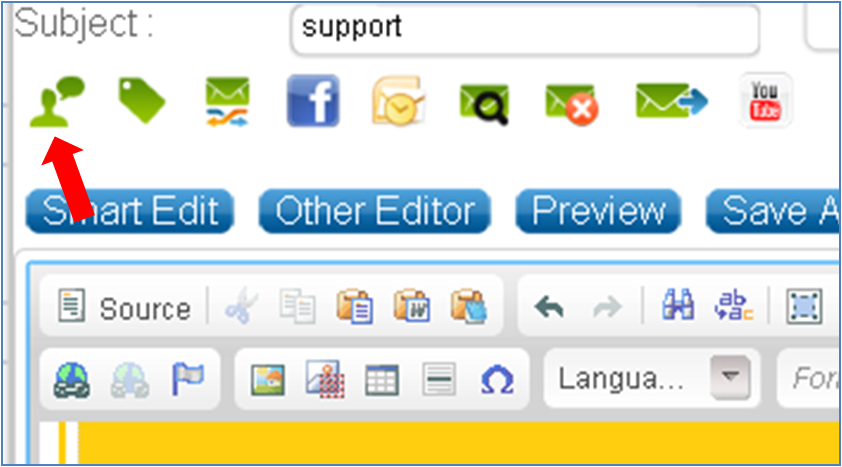
3. Select a field such as "first name" and click "Insert to subject"
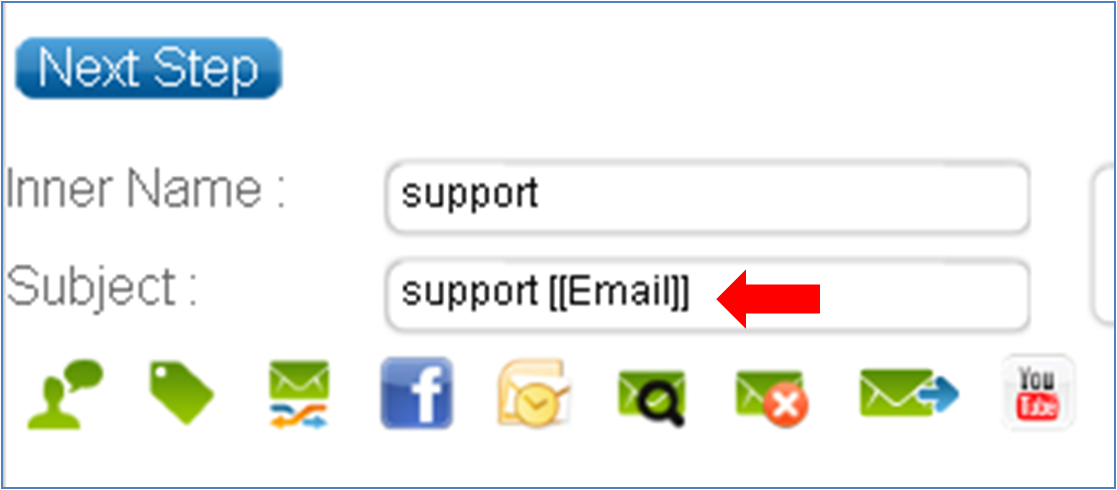
4. Fill in the rest of the subject. This is how it will look:
Personalised greeting in the message body
1. Position the cursor in the message body.
2. Select "add data from user information" from the advanced options' icons and select the customized field you wish to use.
3. Click on "Insert to body". This is how it will look:

|